Search
By default the Unigate has DHCP enable but you can set a fixed IP. To change that configuration you have to follow the next steps:
Discover the IP of the Unigate using an app for that, example: lanScan, Advanced IP Scanner, etc
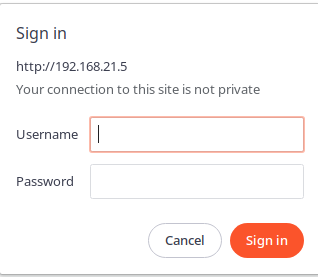
Access the WebUI using the credentials provided by us pasted at the bottom of the device
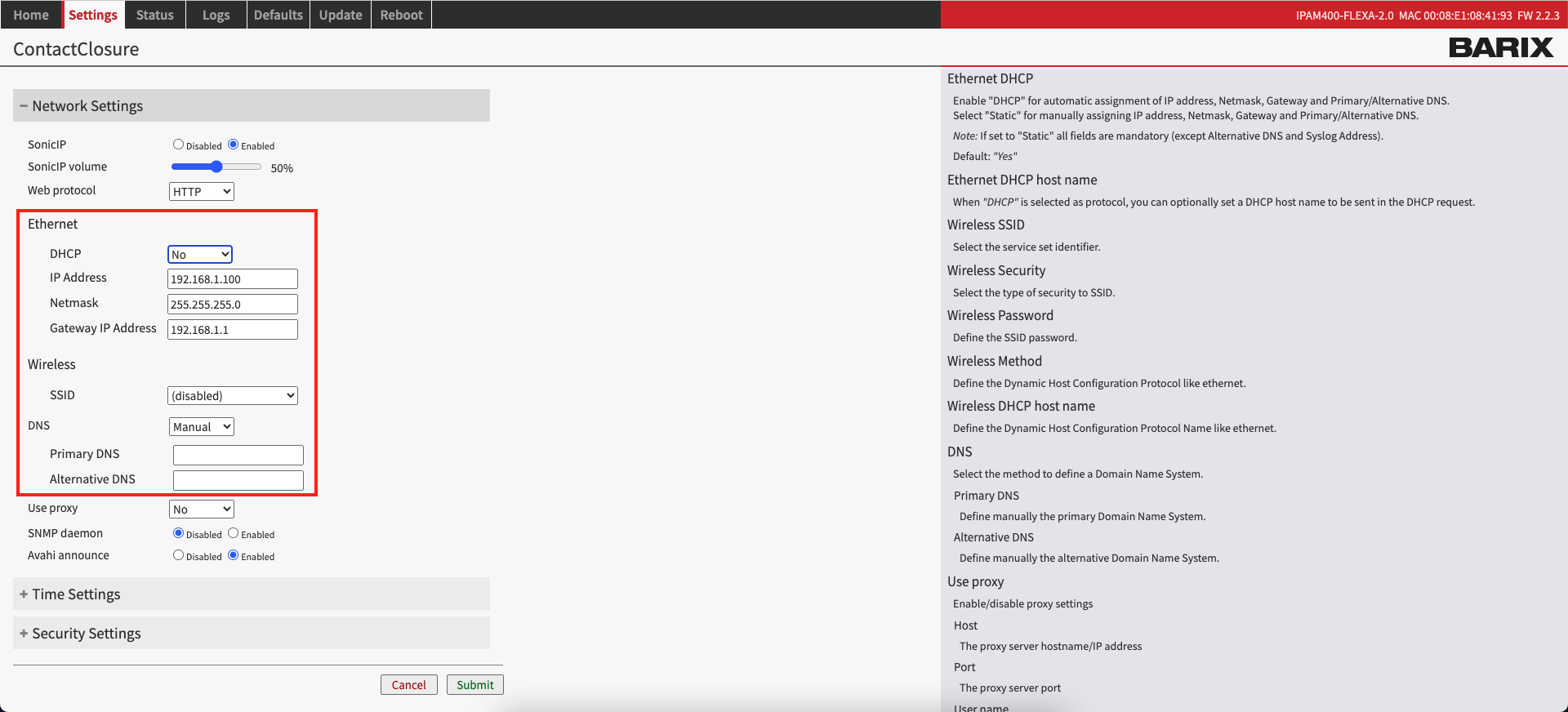
Go to Settings -> Network Settings
Then on DHCP select No and configure the IPs